 GAMAY
A–Z lessons, then everyday signs
Start with the alphabet in five short lessons, then greetings, polite words, numbers, feelings, and time. Ga can read each line aloud.
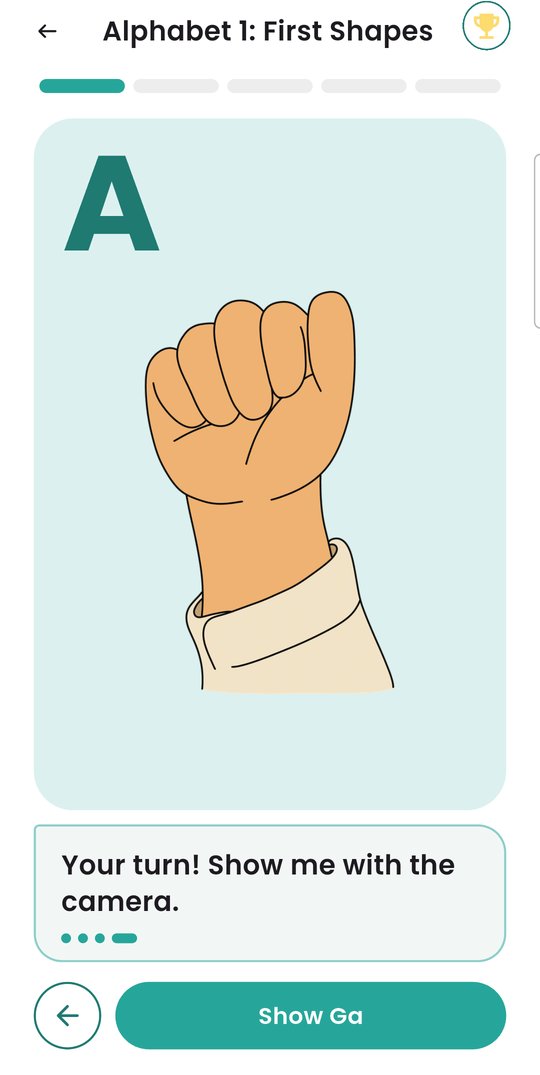
GAMAY teaches FSL through short, guided lessons. Ga shows you each sign, you practice it in front of your camera, and the app tells you when you have it right.






Lessons, practice, translation, and a dictionary in one app, made for Filipino learners.
Start with the alphabet in five short lessons, then greetings, polite words, numbers, feelings, and time. Ga can read each line aloud.
Make the sign in front of your phone. The app reads it right away and lets you know when you get it.
Show your open palm to start, then sign. The words appear as you go, with hints about light and how to stand in the frame.
Type or say a sentence and see it signed: drawn signs for words in the dictionary, fingerspelling for the rest.
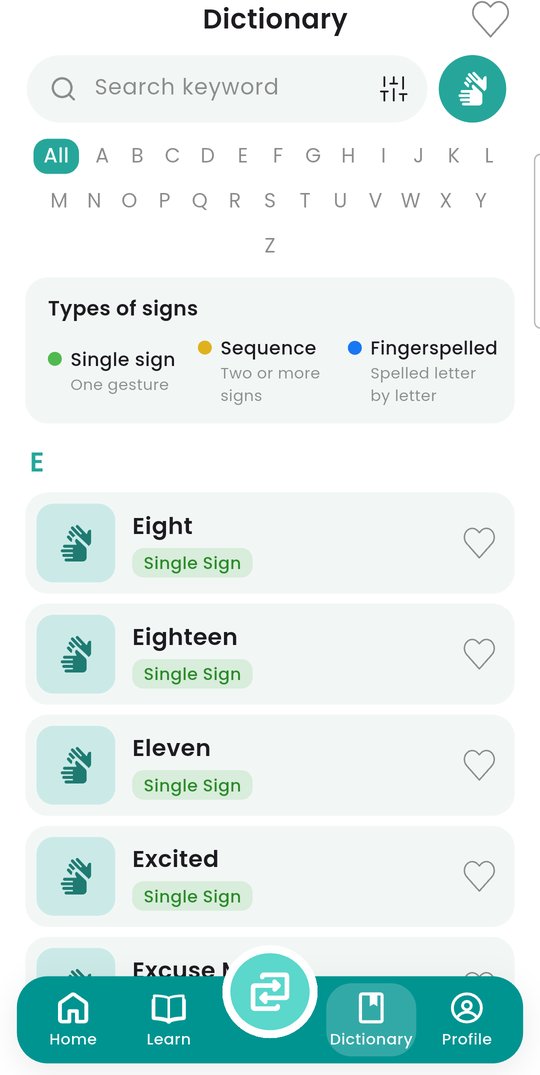
About 200 signs with their English and Filipino words. Search in either language, save favorites, and suggest a word we should add.
Daily streaks, reminders you control, and achievements as you finish lessons.
Swipe through all 26 hand shapes, or jump to a letter. In the app, tap a hand to see it from the side; J and Z show their movement.
A B
 C
 D
 E
 FG
 H
 I
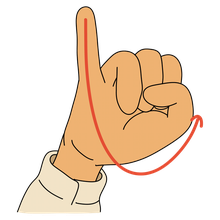 J
 K
 LM
 N
 O
 P
 Q
 R
 S
 T
 U
 V
 W
 XY
 Z
Short steps, one sign at a time, at your own pace.
He names the letter or word and explains the hand shape, line by line.
Look closely at the drawing. For some letters, tap to turn the hand and see it from the side.
Make the sign in front of your phone. When the app recognizes it, the step is checked off and the lesson moves on.
Who GAMAY is for, what it costs, and how it handles your data.
Yes. Every lesson and feature is free, with no ads and no in-app purchases.
No. The camera is read on your phone to find your hands and recognize the sign. No photos or video are saved or uploaded.
No. You can continue as a guest, and your progress stays on that phone. A free account keeps your lessons, streak, and favorites safe and restores them on a new phone. Sign up with email or Google.
Accounts are for ages 13 and up. The date is only used to check your age on the sign-up screen; it is not saved or sent anywhere.
No. It reads the signs listed in the dictionary, and it can be wrong. It does not replace a qualified FSL interpreter, so do not rely on it in medical, legal, or emergency situations.
Android phones running Android 8.0 or later with a front camera.
GAMAY teaches FSL, the sign language of the Filipino Deaf community. Signs can vary by region, so learn from Deaf signers whenever you can.
In the app, go to Profile → Privacy & Security → Delete account, or follow these steps.
Free on Google Play for Android.